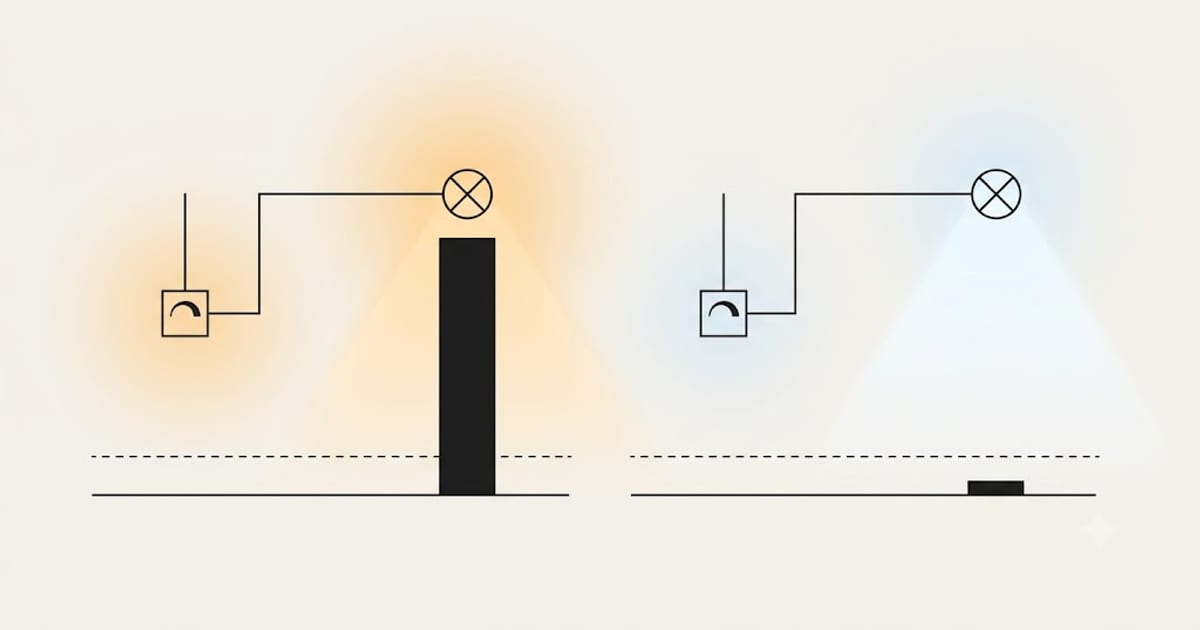
Almost always, neither part is broken. The dimmer was designed for a load a hundred times bigger than the one you have connected to it.
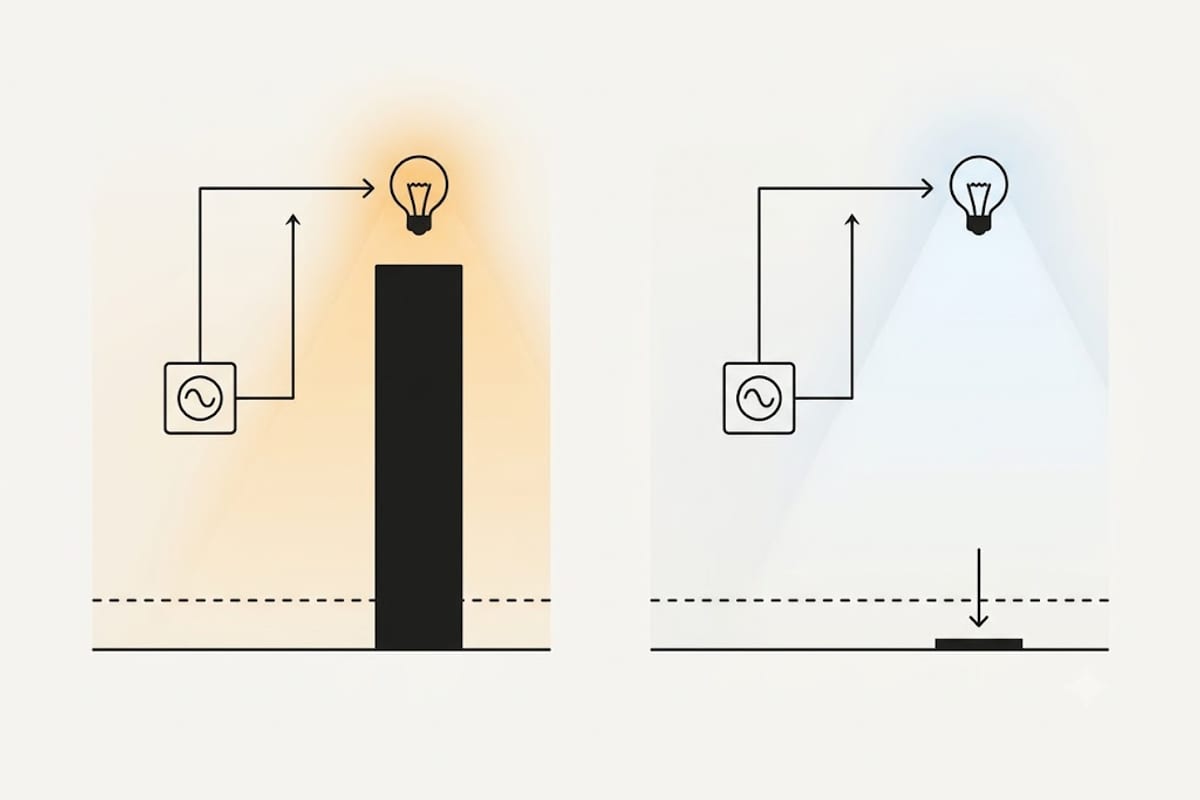
The root of it
A dimmer does not reduce voltage. It chops the mains waveform, switching off for part of each cycle so less energy reaches the lamp.
With an incandescent filament this worked beautifully. The filament is a big, simple resistive load with thermal inertia — it cannot cool fast enough to follow the chopping, so it glows smoothly.
An LED is neither big nor simple nor slow. A 9 W LED draws roughly a fifteenth of the current a 100 W filament did, and its driver responds to changes almost instantly. Feed it a chopped waveform and the driver may lose its footing between cycles, restart, or pass the chop straight through to the chip.
The result is visible flicker, buzzing, a limited dimming range, or bulbs that jump to full brightness at the bottom of the dial.
The four causes, in the order worth checking
1. The dimmer is an old leading-edge type. Most dimmers installed before LEDs were common are leading-edge (TRIAC), designed for resistive filament loads. LEDs generally want trailing-edge dimming, which switches off later in the cycle and is gentler on an electronic driver. This is the most common cause and the most reliable fix. See trailing edge vs leading edge.
2. The total load is below the dimmer's minimum. Nearly every dimmer specifies a minimum load — often 10 W, 20 W or 40 W. Three 6 W LEDs total 18 W and may fall under it. Below the minimum, the dimmer cannot regulate reliably and the symptom is flicker at the low end. See minimum load for an LED dimmer.
3. The bulbs are not dimmable. A non-dimmable LED on a dimmer will flicker, buzz, dim in steps, or fail early. It is printed on the box and it is not a suggestion.
4. Mixed bulbs on one dimmer. Different drivers respond differently to the same chopped waveform. Two brands on one circuit can each be fine alone and flicker together. Use one model throughout a dimmed circuit.
| Symptom | Most likely cause |
|---|---|
| Flicker at low brightness only | Below minimum load |
| Flicker across the whole range | Leading-edge dimmer, or non-dimmable bulbs |
| Buzzing from the dimmer | Leading-edge on an electronic load |
| Buzzing from the bulb | Driver struggling with the waveform |
| Will not go below about 30% | Normal dimmer range mismatch |
| Jumps to full at the bottom | Driver restarting |
| Only after adding one bulb | Mixed models |
The fix order
Start with the dimmer. Replacing a leading-edge dimmer with a modern LED-rated trailing-edge one solves the majority of cases. It is a like-for-like swap in the same backbox, and LED-rated dimmers are specified with low minimum loads.
Then check the numbers. Add up the wattage on the circuit and compare it to the new dimmer's stated minimum and maximum. Note that some manufacturers de-rate heavily for LED loads — a dimmer rated 400 W for filament may be rated 100 W or less for LED, and the LED figure is the one that applies.
Then check the bulbs are all dimmable and all the same model.
Then check the manufacturer's compatibility list. Most dimmer makers publish one, and most bulb makers name compatible dimmers. Two products that appear on each other's lists have been tested together.
When the dimmer is not the problem
If the light also flickers with the dimmer at full, or if it flickers on a plain switch, the dimmer is innocent. That is a bulb-quality or supply problem — start with flicker-free LED bulbs and the phone camera test in it.
The alternative worth considering
If you are replacing the dimmer anyway, a smart switch does the same job with better LED behaviour, because it was designed for electronic loads from the start rather than adapted to them. The trade-offs against smart bulbs are in smart bulb vs smart switch.
Flicker you can see, and flicker you cannot
Every mains-powered light modulates. The question is how deeply and how fast, and there are two numbers behind it.
Percent flicker is the depth of the modulation — the difference between the brightest and dimmest points of each cycle, as a proportion. Flicker frequency is how often that cycle repeats: usually 100 Hz or 120 Hz for mains-driven lighting, twice the supply frequency, because both halves of the wave produce light.
Above roughly 80–100 Hz the eye stops resolving the flashes and reports steady light. That does not mean the flicker has no effect. Deep modulation at 100 Hz is associated with headaches and eye strain over long exposure, and it produces the stroboscopic effect — a moving object appears to jump rather than travel. Wave a hand quickly under a badly flickering light and you see a series of separate hands instead of a blur.
This matters when dimming, because dimming almost always makes percent flicker worse. A driver holding steady current at full output may be pulsing hard at 10%, and a light that measured well on the shelf can measure badly in the setting you actually use it in.
If a room is used for close work or for long stretches, judge the bulb at the level you will run it, not at full.
Diagnosing by isolation
Four swaps, in this order, name the culprit in nearly every case. Each one changes exactly one thing.
1. One bulb alone. Remove every bulb but one. Smooth means the individual bulb and the dimmer get along; the problem is load or interaction. Still flickering means bulb-and-dimmer, and you can stop here.
2. The same bulb in a different holder. Moves the bulb, keeps everything else. If the fault follows the bulb, it is the bulb. If it stays at that position, it is the holder or the wiring to it.
3. A different brand, not a different model. Two models from one maker usually share a driver design and fail identically. Borrowing one bulb from another room is enough.
4. The dimmer bypassed. Fit a plain switch, or turn the dimmer to full. A light that still flickers with the dimmer out of the picture has a bulb or a supply problem, and no amount of dimmer work will touch it.
| What changed the behaviour | What it means |
|---|---|
| Removing bulbs made it worse | Below minimum load |
| Removing bulbs made it better | Mixed models, or over maximum |
| Fault followed the bulb | Bulb or its driver |
| Fault stayed at one position | Holder, connection or wiring |
| Fine at full, bad when dimmed | Dimmer type or driver dimming range |
| Bad at full too | Bulb quality or supply |
Flicker that has nothing to do with the dimmer
Three causes get blamed on dimming and are not dimming at all.
A loose connection. A slack terminal at a rose, a switch or the consumer unit produces intermittent flicker that is unrelated to the dial position and often changes when someone walks across the floor above. This one is a fire risk rather than a nuisance and it belongs to an electrician, not to a bulb purchase.
Supply sag from a large load. A shower, an oven element, a heat pump or a well pump starting can dip the voltage enough to make lights dip with it. The signature is a single brief dim that coincides with an appliance, repeating on that appliance's cycle rather than continuously.
A shared neutral across circuits. Older installations sometimes borrow a neutral between lighting circuits. Switching in one room then disturbs another. The signature is flicker that correlates with a switch somewhere else entirely.
None of these are fixed by a better dimmer, and all three are worth ruling out before spending anything — the isolation sequence above will point at them, because in every one of those cases the fault survives step 4.