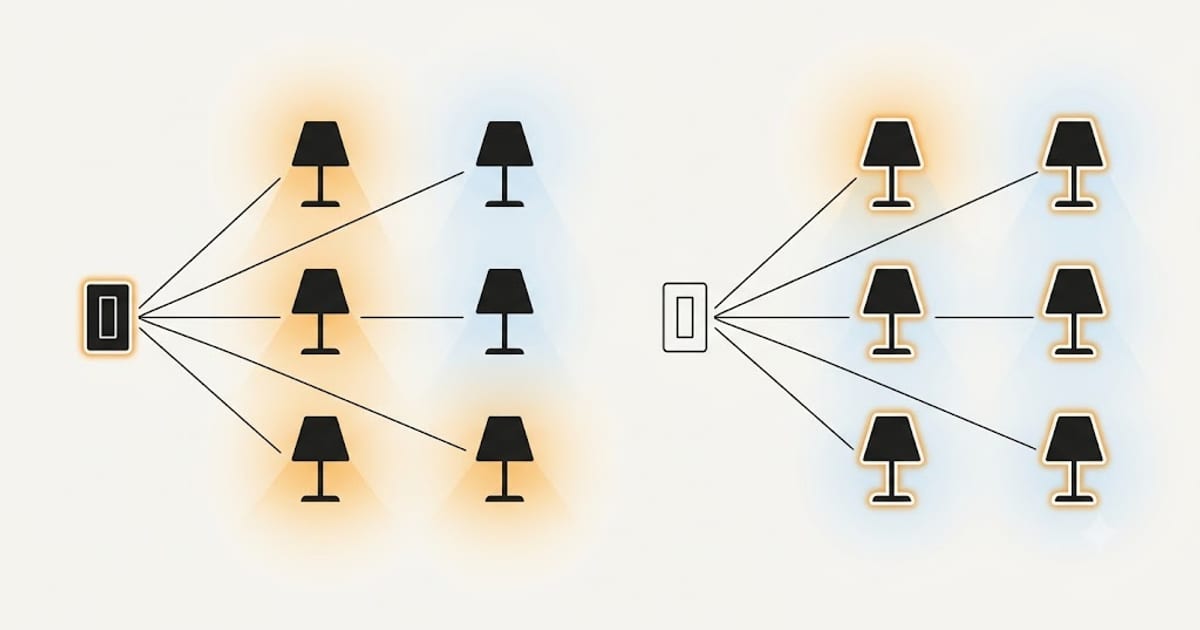
The decision is mostly arithmetic, plus one flaw that decides it for most rooms.
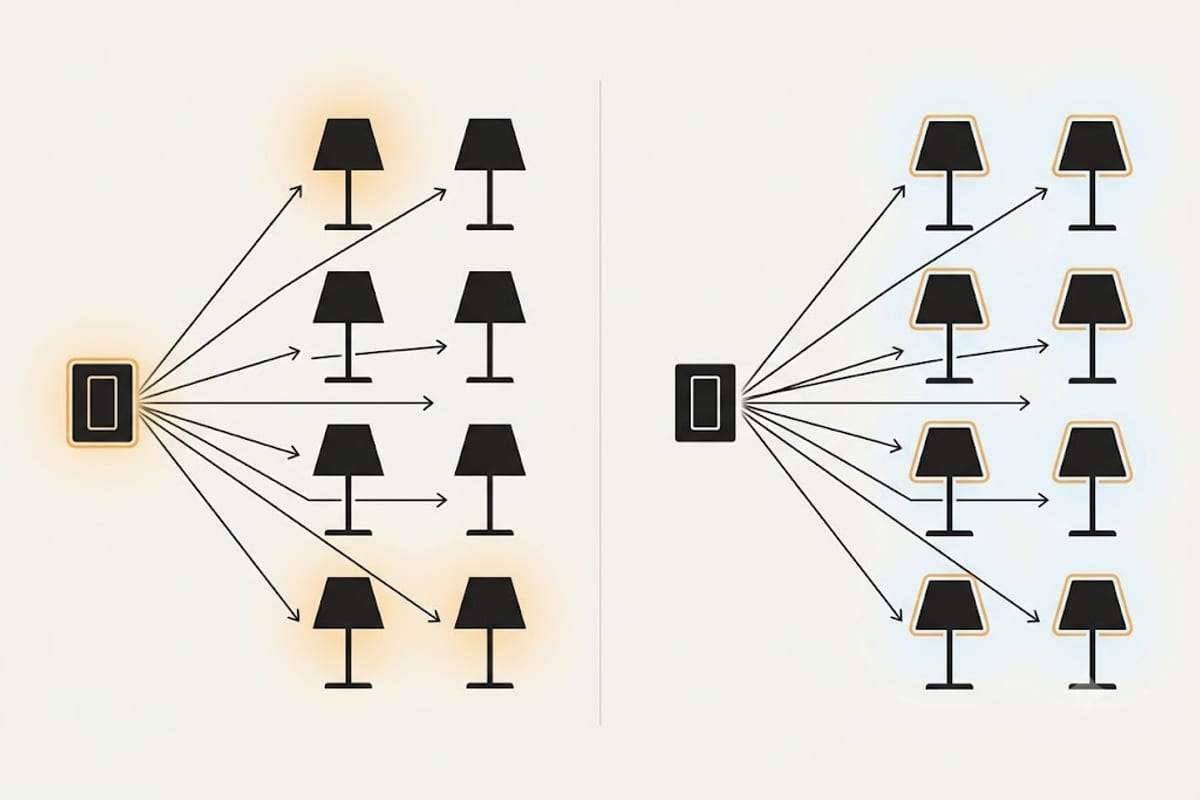
The flaw: smart bulbs need permanent power
A smart bulb has to stay powered to listen for commands. Someone flicks the wall switch off and the bulb is not dimmed, not scheduled, not controllable — it is a dead bulb until somebody flicks the switch back on.
You can put a cover over the switch. You can tell the household not to touch it. Somebody will touch it, usually a guest, usually when you are not there, and often when the schedule was supposed to be running.
A smart switch has no such failure. The intelligence is the switch, so the wall control and the app agree by construction.
The arithmetic: count the fittings
Six recessed downlights on one circuit is six smart bulbs against one smart switch. The switch is cheaper, and it stays cheaper every time a bulb needs replacing.
One pendant or one table lamp is one smart bulb against one switch and a wiring job. The bulb wins, and you can take it with you.
The crossover is around two or three fittings.
| Smart bulb | Smart switch | |
|---|---|---|
| Cost, 1 fitting | Lower | Higher |
| Cost, 6 fittings | Much higher | Lower |
| Colour changing | Yes | No |
| Per-fitting control | Yes | No |
| Survives the wall switch | No | Yes |
| Needs a neutral wire | No | Usually yes |
| Renter friendly | Yes | No |
| Bulb replacement cost | High | Normal |
| Works if the hub is down | Sometimes | Usually |
Where smart bulbs are the right answer
Colour. A smart switch cannot make a white bulb turn orange. If you want colour or tunable white, the intelligence has to be in the bulb.
Individual control within one circuit. Two bedside lamps on the same switch, controlled separately.
Renting. No wiring, and it comes with you.
No neutral at the switch. Many older installations only run live and switched-live to the switch position. Most smart switches need a neutral; a smart bulb needs nothing.
One or two fittings, where the price gap does not build up.
Where smart switches are the right answer
Any room with three or more fittings on one circuit.
Anywhere other people use the switch — hallway, kitchen, bathroom, guest room. This is the one that decides it in practice.
When you want high CRI and low flicker. Smart bulbs concentrate their cost in radios and colour, and their colour rendering and flicker performance are often worse than a plain bulb at half the price. A smart switch lets you choose the bulb on light quality alone — see what CRI you need and flicker-free LED bulbs.
When bulbs are hard to reach. A high ceiling or a sealed fitting makes replacing six smart bulbs a job you will resent.
The hybrid that works
The arrangement most people end up happy with:
- Smart switches on every multi-fitting ceiling circuit, with good plain dimmable bulbs in them
- Smart bulbs in one or two lamps where colour or individual control genuinely adds something
That keeps the cost sensible, keeps the wall switches honest, and puts the light quality where you spend the evening.
Before you buy either
If the existing dimmer is being replaced anyway, check the same four things that decide any LED dimming job — dimmer type, load range, dimmable bulbs, matched models. A smart switch is still a dimmer and still has a minimum load.
Those checks are in LED dimmer compatibility, and the neutral-wire question in particular catches people out on smart switches specifically.
Two-way and three-way circuits change the answer
A landing light switched from both the top and the bottom of the stairs is where smart switches get complicated and smart bulbs get simple.
A traditional two-way circuit uses two switches wired so either can change the state. A smart switch has to be the one that holds the state, which means one of three arrangements: a smart master plus a matching companion switch from the same brand, a smart module hidden at the ceiling rose with both existing switches left as they are, or a single smart switch with the second position converted to a battery-powered wireless button.
The companion route is tidy and locks you to one brand. The hidden-module route keeps both wall switches working normally and is usually the cheapest, but it needs room at the rose and permanent live and neutral there.
Smart bulbs sidestep all of it, at the cost of the wall-switch flaw above. On a multi-way circuit, count the wiring work before you count the bulbs.
What happens when the internet goes down
This decides more than people expect, and the answer depends on the protocol rather than on which is a bulb and which is a switch.
Wi-Fi devices that route through a manufacturer's cloud lose scheduling and app control when the connection drops. Many keep local control on the same network; some do not, and there is no way to tell from the box.
Zigbee, Z-Wave and Thread devices talk to a local hub. The internet going down is invisible to them. The hub going down is not.
Matter devices are required to support local control, which is the main practical reason to prefer them.
A smart switch has one advantage nothing else matches: the wall switch is still a wall switch. Whatever fails, pressing it turns the light on. A smart bulb whose radio is unreachable is a bulb stuck in whatever state it last held.
| Failure | Smart bulb | Smart switch |
|---|---|---|
| Internet down, local hub up | Works | Works |
| Hub down | App only, sometimes nothing | Wall control still works |
| Wi-Fi router replaced | Re-pair every bulb | Re-pair one device |
| Manufacturer shuts the service | Often bricked | Usually still a dimmer |
That last row is worth pausing on. Several smart lighting services have been retired, and the devices that survived the retirement best were the ones that still functioned as ordinary hardware when the intelligence stopped.
The radio outlives the light, or the other way round
A smart bulb is two products in one envelope with two very different service lives. The LED and its driver are rated in the tens of thousands of hours — see LED bulb lifespan for what that figure really promises. The radio and its firmware are rated by how long the manufacturer keeps supporting them.
Whichever expires first takes the other with it. Replace a failed smart bulb and you are buying a new radio you did not need; abandon a discontinued platform and you are throwing away LEDs with years left in them.
A smart switch splits the two apart. The radio lives in the wall and the bulbs are ordinary bulbs, chosen on light quality and replaced individually for a few pounds. That separation is the real argument for switches on any circuit you expect to keep for a decade.
The cost, worked through
Six downlights in a kitchen, over ten years, assuming one round of bulb replacement.
| Smart bulbs | Smart switch | |
|---|---|---|
| Initial | 6 × mid-range smart bulb | 1 switch + 6 plain dimmable bulbs |
| Replacement round | 6 × smart bulb again | 6 × plain bulb |
| Light quality available | Whatever the smart range offers | Any bulb on the market |
| Failure mode | One bulb at a time, expensive | One bulb at a time, cheap |
The gap widens with every fitting and every replacement round. Below three fittings it barely matters and the bulb's flexibility wins; above three the switch pulls ahead and keeps pulling.